AI Audio Editor
Generate, Edit, and Enhance Audio with AI
An AI audio editor is a browser-based tool that uses artificial intelligence to process, clean up, and transform audio files without manual mixing. MyEdit's AI Audio Editor turns speech into text, converts text to natural-sounding voices, removes background noise, isolates vocals, adjusts pitch and tempo, and changes your voice. No install needed.
Your All-In-One AI Audio Editor
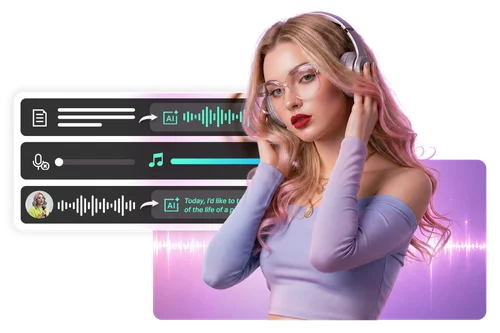
Edit Smarter with AI Audio Editor
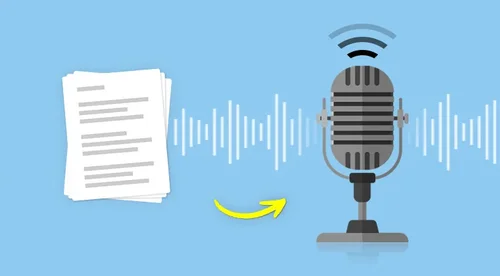
Stop jumping between apps to finish one file. Convert Speech to Text for captions, turn a script into a voiceover with Text to Speech, or remove vocals from a track, all in the same browser tab. MyEdit handles the routine edits so you can focus on the result.
Clean Up Audio Quality with AI
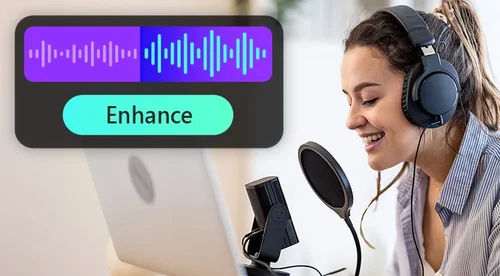
Room echo, AC hum, or a gusty outdoor take can ruin an otherwise good recording. Clean it up with Speech Enhancement, background noise removal, or the Wind Remover so your voice comes through clearly. It works well for interviews, voiceovers, and clips shot on your phone.
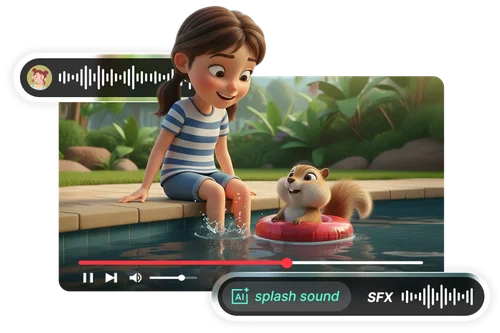
Make Your Audio More Engaging
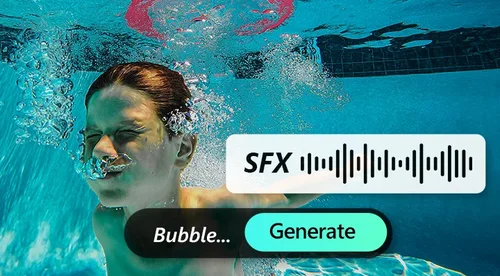
Plain audio is easy to scroll past. Generate custom effects from a text prompt with Text to Sound Effect, or use the Voice Changer to make your voice sound like a robot, a chipmunk, or a phone call, or switch to a realistic new voice. It is a quick way to add character to gaming clips, videos, and podcasts.
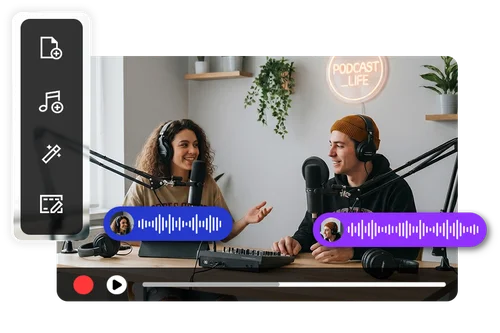
Record, Transcribe, and Edit in One Place
Go from recording to finished file without switching tools. Record in your browser, get an automatic transcript, then edit the audio by editing the text: delete a word and the sound goes with it. Our text-based Podcast Studio is built for podcasters and anyone who would rather edit a script than a waveform.
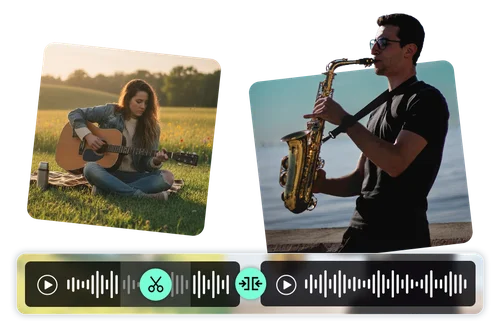
Trim and Merge Audio Seamlessly
Need to cut dead air or stitch a few clips together? The Audio Trimmer removes the parts you do not want, and the Audio Merger joins multiple files into one. There is no timeline to learn, just upload, adjust, and download.
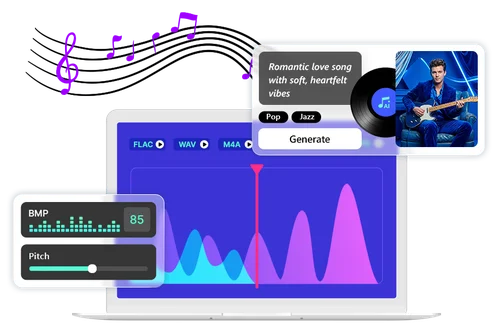
Edit and Create Music with AI
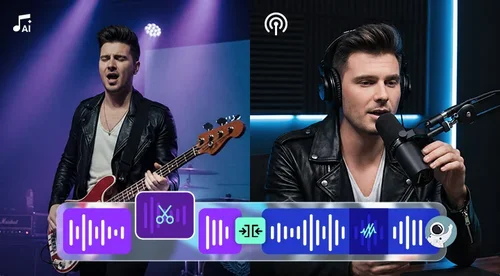
Work on music without complex software. Remove vocals or isolate them from the instrumental, change the pitch, and find the tempo with the BPM Finder. Want an original track? Generate one from a text prompt with AI Music Generator, or turn a few lines into a song with Lyrics to Song.
More Ways to Create with MyEdit
Audio Editor FAQ
What does an audio editor do?


An audio editor lets you modify audio files or convert them into different formats. MyEdit's online audio editor cleans up and improves your sound: remove wind or background noise, change your voice, separate instrumentals, find a track's BPM, cut and merge audio, and more.
Which is the best audio editor?
The best browser-based audio editor depends on what you need. MyEdit covers the common jobs in one place: speech to text, text to speech, noise and wind removal, vocal separation, pitch and BPM, and voice changing. There is nothing to download and no account setup to start.
Can I edit music online with MyEdit?
Yes. You can remove or isolate vocals, change pitch, find the BPM, and make karaoke tracks, all in your browser. You can also turn lyrics into an original song with Lyrics to Song.
Can I use an audio editor to edit mp3 files?
Yes. MyEdit is a free, browser-based mp3 editor for music, podcasts, or anything in between. Use the free Audio Trimmer to cut and trim mp3 files right in your browser.
Is MyEdit's audio editor safe?
Yes. Your files are encrypted during upload and processing, and they are deleted from our servers after processing. You decide what you upload and what you download.
Can I edit audio online for free?
Yes. You can upload and try most audio tools without an account, and you just need to sign in to download. Pitch Changer, Audio Trimmer, and BPM Finder are free with no download limit. Cleanup and vocal tools like Speech Enhancement and Vocal Remover include one free download a day, and a subscription removes the limit.
How can I remove vocals from a song for free?
Upload your file to our online Vocal Remover. The AI-powered engine separates and removes the vocals automatically, usually in a few seconds.
Is there an online tool that can change my voice?
Yes. MyEdit's Voice Changer applies AI voice filters to any uploaded recording. Choose a realistic human voice or a fun effect like robot, chipmunk, or telephone. Effects include one free download a day, and human voices come with a free 10-second preview. A subscription unlocks unlimited downloads for every voice. No app install required.
What is the difference between an AI audio editor and a traditional audio editor?
A traditional editor gives you manual control over waveforms: you select a section, apply a filter, and preview the result. An AI audio editor automates repetitive steps. In MyEdit, background noise removal, vocal separation, and speech-to-text run automatically after upload, so you skip the manual work. Traditional editors are better when you need precise, sample-level control. AI editors are faster when you want a clean result without learning audio engineering.
Can I use an AI audio editor to edit a song's vocals or instruments separately?
Yes. Upload a song to MyEdit's Vocal Remover or Vocal Isolator and the AI splits vocals from instruments automatically. From there you can remove the vocal track to create a karaoke version, isolate just the voice for remixes, or change the pitch. If you want to write an original song, Lyrics to Song turns your text into a full track with vocals and instruments.