Free AI Photo Editor Online
Edit Your Photos and Generate New Ones with AI
MyEdit is a free online AI photo editor with 30+ tools for enhancing, editing, and generating images in your browser. Retouch a photo, clean up objects, swap a background, or create new art from a text prompt, all in one place. Start with your free daily credits.
Trusted by Creators Worldwide

10M+ Creators
From first-time editors to everyday creators, more than 10 million people have used MyEdit to bring their edits and ideas to life.

6M+ AI Generations Yearly
Creators run over 6 million AI generations on MyEdit every year. Our free daily credits let you start creating at no cost.

30+ AI Photo Tools, One Click Away
Remove a background in one click, restore an old family photo, or turn a text prompt into artwork. Whatever the edit, there is a tool built for it inside MyEdit.
What You Can Do with MyEdit's AI Photo Editor
Chat-Based AI Photo Editing
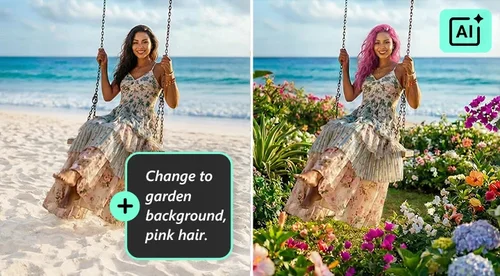
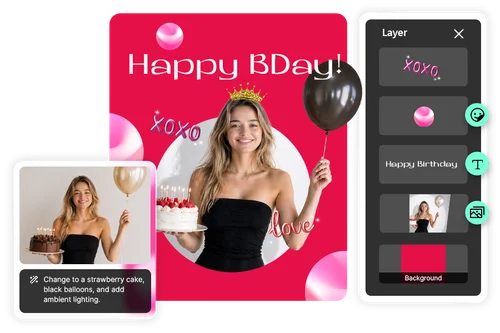
Type what you want changed, like "remove the people in the background" or "make the sky brighter," and Edit by Chat makes the edit for you. When you'd rather place things yourself, the full Photo Editor lets you add images, stickers, and text by hand. Use whichever fits the job.
Generate Artwork with AI
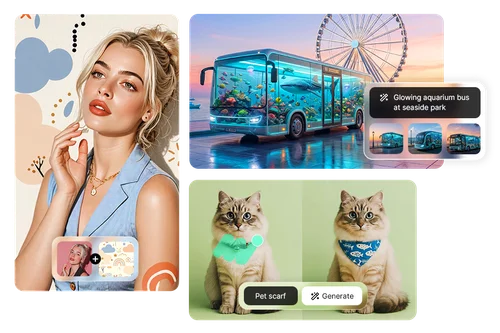
Turn text prompts into images, replace objects, or blend two photos with AI Image Generator, AI Replace, and Image Fusion. Describe what you want and get a usable image back, then refine it without leaving the editor. Generation uses your free daily credits, and downloads have no watermark.
Enhance Photo Quality in One Click
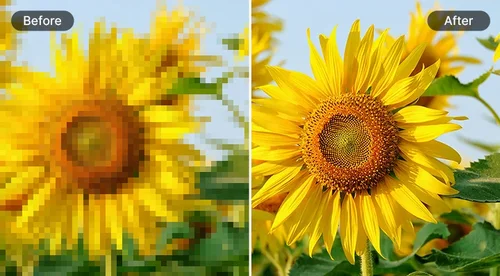
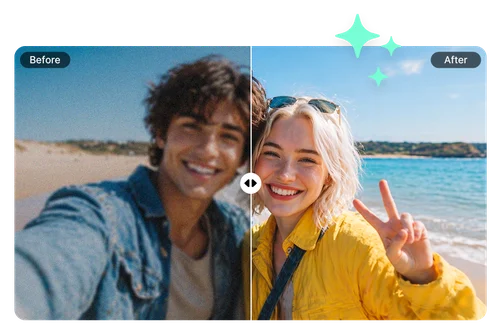
Sharpen soft details, raise resolution, and clear up blur or grain with Image Enhancer, Image Upscaler, Deblur, and Denoise. A blurry or low-res shot can look clean again in seconds, so old photos and quick phone snaps are ready to share or print.

Smart Photo Repair and Expansion
Fix and resize photos with AI Removal and AI Extender. Erase unwanted objects, people, or text, or extend the borders of an image while keeping the lighting and background looking natural.
Catch Social Trends With Viral AI Templates
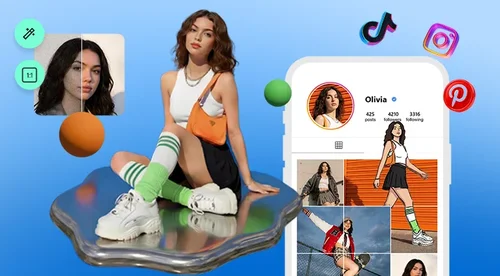
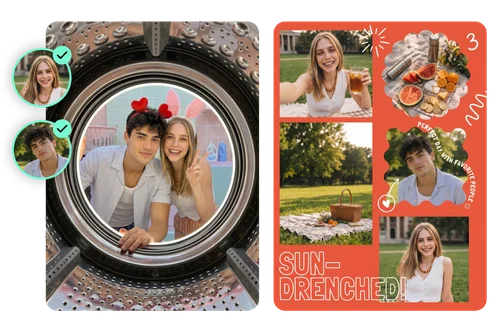
Keep up with social media trends using AI Try On, AI Collage, and AI Photoshoot. Swap outfits, build clean photo layouts, and recreate the looks that are trending right now, so your posts feel current without starting from a blank canvas.
Change Backgrounds With AI in Seconds
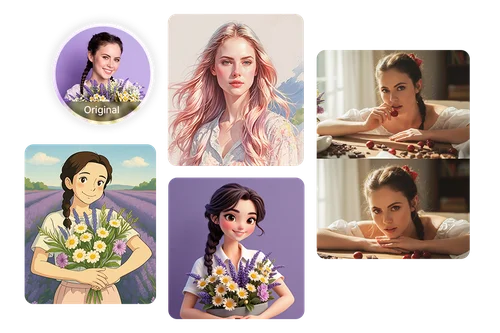
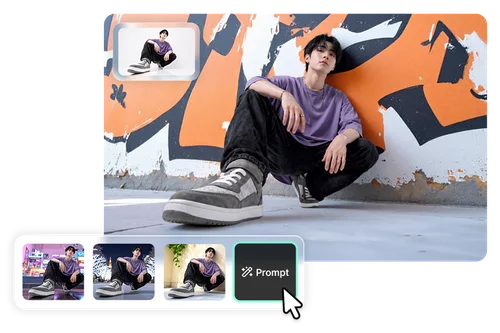
Remove or replace a background with Background Removal and People Background. Drop in a clean white or transparent backdrop, pick a template, or type a prompt to generate a new scene behind your subject.
More Ways to Create with MyEdit
AI Photo Editor FAQ
What is AI photo editing?


AI photo editing uses trained models to do the manual work for you: enhancing quality, removing objects, swapping backgrounds, or generating new images from a prompt. With MyEdit you upload a photo, pick a tool, and the AI handles the edit in your browser.
What is the best online AI photo editor?
A strong AI photo editor covers three jobs: cleanup (remove objects, swap backgrounds), enhancement (upscale, deblur, denoise), and generation (text to image, AI art). MyEdit runs all three in the browser with free daily credits, so you can test results before subscribing.
What types of images can I edit with MyEdit?
You can work on photos, screenshots, scanned pictures, and AI-generated art. MyEdit acts as both a photo editor and an AI image editor, so you can retouch a real photo or refine something you made from a prompt in the same place.
What AI image tools does MyEdit offer?
MyEdit's photo editor includes AI Image Generator, Photo Edit by Chat, AI Replace, AI Removal, AI Try On, AI Face Swap, Background Removal, Image Enhancer, and more, covering generation, retouching, enhancement, and portraits.
Is it safe to use the MyEdit photo editor?
Yes. Your uploads are encrypted in transit and deleted from our servers after processing, and your text prompts stay private.
Do I need an account to use MyEdit?
You don't need one to get started. You can open any tool without signing in, and many of them work right away. An account comes in at specific points: free tools need a free account when you download, premium tools show a watermark until you upgrade, and AI generation asks you to sign in before it runs, since each generation uses credits.
Will my edited photos have a watermark?
Downloads have no watermark on the free tools, and none on anything you generate with credits. A few premium tools show a watermark while you preview the result, and a premium plan removes it.
Is the MyEdit AI photo editor free?
Yes, there is a free tier. AI generation runs on credits, and free accounts get a daily allowance at no cost. MyEdit works in any browser on a PC, phone, or tablet with nothing to download. A premium plan adds unlimited downloads, exclusive tools, premium templates, and monthly bonus credits.