Online Free Video Trimmer
Easily Cut and Trim Videos
Trim videos online for free with our easy-to-use video cutter. Perfect for YouTube, social media, and more. Try it now and cut your videos effortlessly!
Trim Videos to What Matters Most
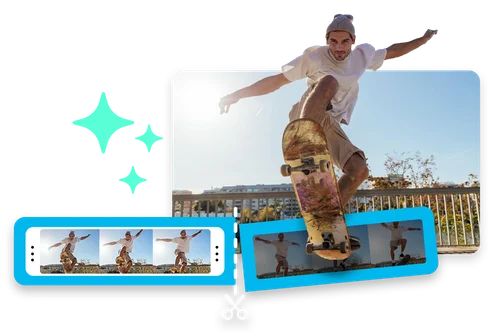
Trim Videos to Highlight Key Moments with Ease
Trim your video in just a few clicks to remove unnecessary content and focus on what matters most. Cut out bloopers, long pauses, or irrelevant sections to create a more concise and engaging video.
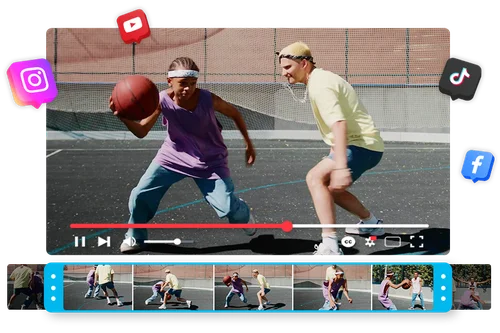
Create the Best Clips for Social Content With our Video Trimmer
Trim long videos into shorter, engaging clips for social media platforms like TikTok, Instagram Reels, YouTube Shorts, Facebook, and Twitter. Hit each platform's time limits and create short-form content that grabs attention from the first second.
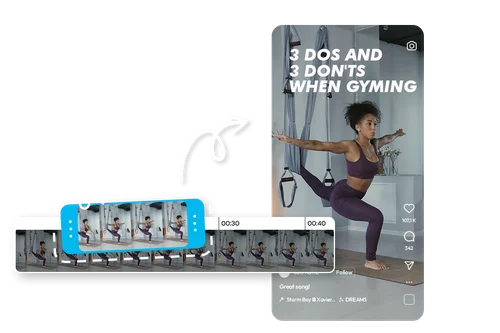
Cut Videos to Repurpose Content or to Meet Time Limits
Break down longer content, like webinars, tutorials, or live streams, into smaller, digestible segments. Trim them to meet platform time limits, or repurpose the content.
How to Use Video Trimmer
 Step 1
Upload Video File
Select a file or drag and drop it into the editor.
Step 2Cut or Trim to Desired Length
Use the timeline to adjust the start and end of the video. You can also remove the middle part. It's that easy.
Step 3Export or Keep Creating
Export your trimmed video or continue exploring our tools to create amazing content.
Explore the Power of Video Trimmer

Instagram & TikTok Posts
Social media managers use our online video cutter to efficiently repurpose content for TikTok, YouTube, and Instagram, creating engaging posts that capture attention quickly.

Product Demos & Reviews
Shorten videos online to highlight the best moments of product demos and reviews, spotlighting key features and benefits. Perfect for landing pages and social media posts.

Event Highlights
Event videographers save hours by trimming videos online. Two hours of footage can be cut into short highlight videos, making it easy to share event moments quickly and effectively.

Tutorials & Vlogs
Tutorial and vlog creators use our online clip cutter to remove awkward moments, long pauses, and extra fluff, making video editing faster and more efficient.

Educational Purposes
Educators and course creators trim long lectures or lessons into bite-sized segments, making content more digestible for students and easier to follow.

Teasers and Promos
Trim short, impactful snippets from longer videos to create teasers for upcoming content or promotional clips for marketing campaigns. For example, cut a 30-second trailer from a longer film review to entice viewers.
Online Video Trimmer FAQ
What is Video Trimmer?


MyEdit Video Trimmer is a free online tool that lets you cut unwanted parts from your video. Trim clips down to just the moments you want to keep.
Do I need professional skills when using Video Trimmer?
You don’t need any professional skills to use MyEdit Video Trimmer. The tool is designed to be simple and intuitive. Just upload your video, trim the parts you don’t need, and download your new clip in seconds.
How do I trim or cut videos?
With MyEdit, trimming videos is simple. Upload your video, use the timeline to drag the start and end points to the desired length, and remove any unwanted sections. Then, export your trimmed video.
Can I use Video Trimmer for social content or commercial projects?
Yes, you can use MyEdit Video Trimmer for both social content and commercial projects. Whether you’re creating content for social media platforms or working on promotional videos, MyEdit lets you trim videos quickly and efficiently to meet your needs.
Is there a free online video trimmer tool?
Yes! MyEdit's Video Trimmer is a free, web-based tool that lets you quickly and easily cut the length of your video.