Image Resizer
Easily Resize Images Online for Free
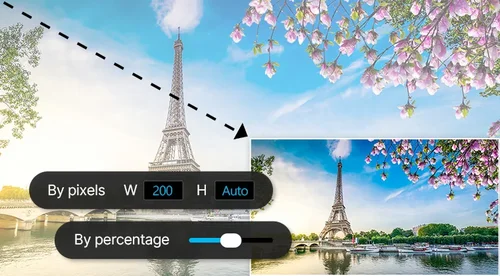
Resize photos and images by pixels or percentage in just 1-click with the image resizer tool. 100% free and online!
 By continuing, you agree to our Terms of Use and Privacy Policy.
What Online Image Resizer Can Do for You?
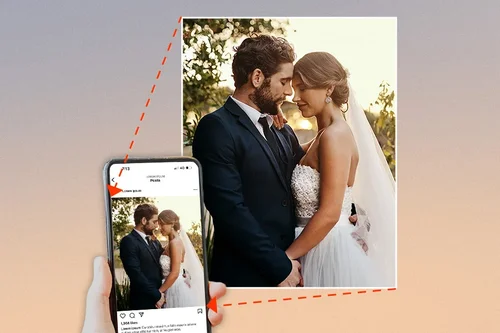
Resizing Images for Optimal Social Media Sharing
Resize images to speed up the process of uploading photos and sharing content on social media platforms, and making them more likely to display correctly across various devices and screen sizes.
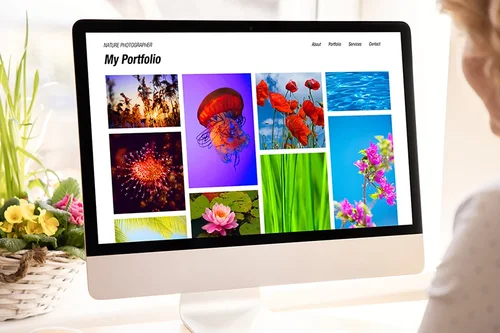
Ideal for Resizing Images for Blogs and Websites
Make pages load faster by resizing images to webpage-friendly resolution. Ideal for blogs, company websites, or portfolio.
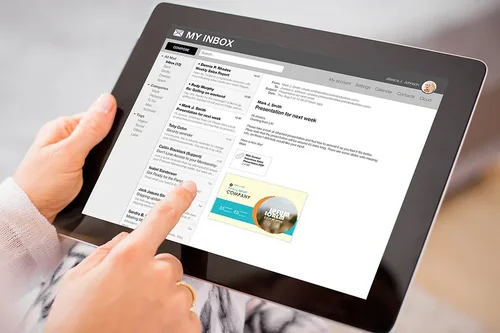
Resize Photos for Emails
Image too large to send as an attachment? No problem. Downsize images so you can easily send them via email.
How to Resize Images With Online Image Resizer
 Step 1
Upload Image File to Resize
You can choose to upload one or multiple images at once to resize. JPG and PNG file formats are supported.
Step 2Choose to Resize Image by Pixels or Percentage
Customize resizing to your exact specifications or add more photos to resize.
Step 3Download Resized Image
That's it! Click "Resize" to export your resized image(s).
Why Use Online Image Resizer to Resize Images?

Easy to Use Image Resizer
Simply choose your file, resize it, and export.

Resize Images Online
Quickly resize images or photos without downloading an app or software.

Social Media Image Resizer
Quickly resize photos for Instagram, Twitter, Facebook, and more.

Resize Image from Anywhere
Simply upload from your PC or mobile and resize. Our free image resizer can work anywhere.

Get Your Resized Image Result Immediately
Resize images in seconds with just 1-click.

Resize Image with Perfect Quality
Our online image resizer helps resize your images at the best quality.
Image Resizer FAQ
What does our image resizer tool do?


Online image resizer lets you resize images by pixels or percentage.
Is the image resizer free?
Yes, you can resize your images for free.
Is it safe to use online image resizer?
Yes, it's safe to use our tools for your image editing. MyEdit uses advanced security measures to safeguard users' data.
How can I resize a JPG image?
Upload your JPG image to our resize tool. Use the Resize Options to change the size of the image either by percentage or by pixels.
How do I reduce the size of a JPG without changing dimensions?
Upload your JPG image to our resize tool. Use the Resize fields to change the size of the image either by percentage or by pixels. The image resizer tool will keep the original dimensions.
How do I resize an image's width and height?
Upload your JPG or PNG image to our resize tool. Use the Resize fields to change the size of the image either by percentage or by pixels.
How do I resize a PNG?
Simply upload your image to our resizer tool and resize your image either by pixels or percentage.
How do I resize an image?
Follow these steps to resize images:
1. Upload image file
2. Choose to resize image by pixels or percentage
3. Download image file
How do I resize an image at once?
Follow these steps to batch resize images:
1. Upload image files
2. Choose to resize images by pixels or percentage
3. Download image files
How do I resize a large image to smaller without losing quality?
Simply upload your photo to image resizer, customize, and download resized image.
Which image format can be easily resized without losing quality?
PNG is a lossless image file format, which means no data is removed when the image is compressed. Additionally, WebP is a new file format developed by Google that aims to produce smaller file sizes than PNG while also retaining quality.