Video Brightener
Fix Low-Light Footage With AI Video Brightening
Fix footage that's dark, underexposed, or unevenly lit. Sign in for free daily credits, upload your clip, and download a brighter version in seconds, no watermark, no editing experience needed.
How Video Brightener Fixes Every Type of Lighting Problem
Brighten Dark or Underexposed Footage In One Click
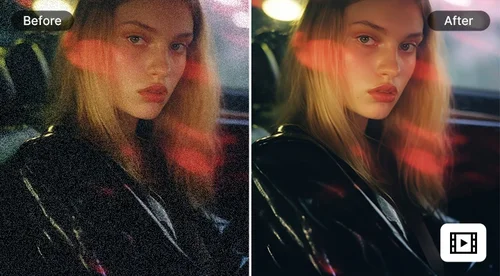
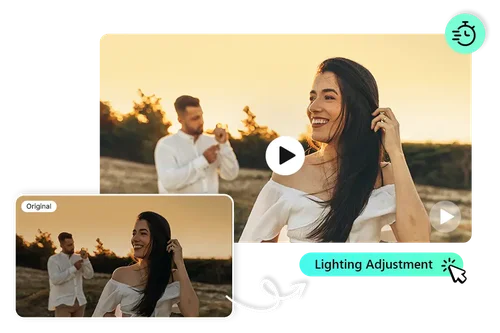
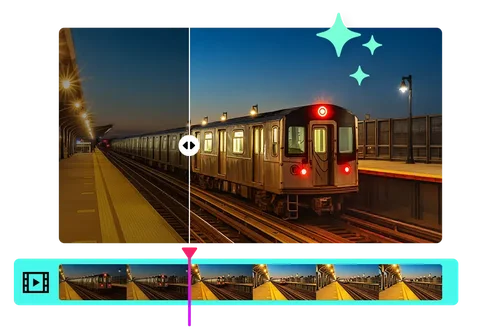
Footage shot in low light or at night often comes out too dim to make out clearly. Video Brightener detects underexposed areas and raises brightness and contrast automatically, without blowing out the parts of the frame that were already lit. Works well for indoor filming, night shoots, and dimly lit venues.
Fix Uneven Lighting Across a Scene
When part of a shot is well-lit and another part falls into shadow, footage can look inconsistent from frame to frame. Video Brightener balances exposure across the frame, lifting shadowed areas without overexposing the brighter parts. Useful for footage shot near windows, doorways, or mixed indoor/outdoor lighting.
Brighten Footage Before Reposting to Social
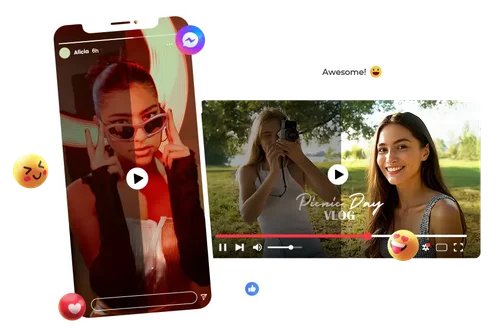
Dim clips tend to lose viewers in feeds where thumbnails need to grab attention fast. Video Brightener boosts visibility so posts and short-form clips look clear and usable right after export, no separate editing pass needed.
How to Use Video Brightener
 Step 1
Upload Your Video
Drag and drop or select your clip. Video Brightener supports MP4 and MOV files.
Step 2Turn On Lighting Adjustment
Select the Lighting Adjustment option. Want more? You can also check Video Denoise, Video Upscaler, or Frame Interpolation in the same step, no separate upload needed.
Step 3Download Your Brightened Video
Preview the result, then download. It's ready to post or keep editing right away.
Achieve Clearer, Brighter, More Appealing Videos

Brighten in One Click
No sliders or manual settings to learn. Upload, turn on Lighting Adjustment, and the AI raises brightness and contrast automatically.

Built for Every Lighting Problem
Whether footage is dark, unevenly lit, or just dull, the AI adapts its approach instead of applying one blanket brightness filter.

Even Lighting From Start to Finish
Balances brightness across the whole clip, so lighting doesn't flicker or shift noticeably from scene to scene.

No Software, No Installs
Works entirely in your browser on desktop or mobile. Nothing to download, nothing to update.

Enhance Your Video With a Full Suite of Options
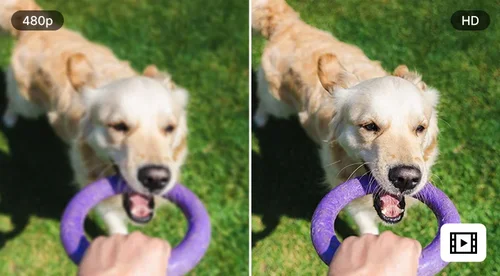
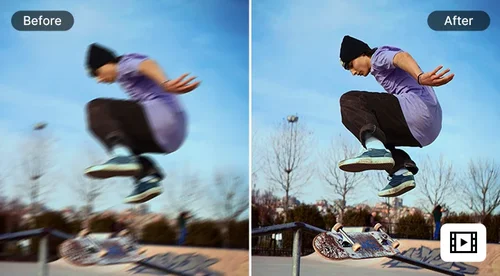
In addition to brightening, you can upscale your videos, sharpen details, and reduce noise to achieve a clearer and more polished final result.

Free to Start, No Watermark
Sign in for free daily credits. Cost scales with clip length and how many fixes you turn on, so a short clip with just Lighting Adjustment costs very little.
Video Brightener FAQ
What is a video brightener?


A video brightener is an AI tool that detects dark, underexposed, or unevenly lit footage and raises brightness and contrast automatically, without needing manual adjustment.
Is Video Brightener free to use?
Yes. Sign in and use your free daily credits to brighten videos. Cost scales with clip length and how many enhancements you turn on, so a quick brightness fix on a short clip costs very little. See the pricing page for current credit details.
What causes dark or underexposed footage?
Low light, backlighting, and uneven light sources are the most common causes. Each affects different parts of the frame differently, which is why a single flat brightness boost often looks unnatural.
Will brightening my video make it look washed out or overexposed?
No. Video Brightener is built to lift shadows and dark areas specifically, so it won't blow out the parts of the frame that were already well-lit.
What video formats does Video Brightener support?
MyEdit supports major video formats such as MP4 and MOV, so you can upload and enhance most standard video files without any compatibility issues.
Can I use Video Brightener on mobile?
Yes. It runs in your browser, so you can brighten footage from a phone or tablet without installing anything.
Can I adjust more than just brightness?
Yes, MyEdit lets you upscale resolution, enhance lighting, reduce noise, and smooth out motion, all in one place. It's everything you need to transform your video into a clearer, more polished version.