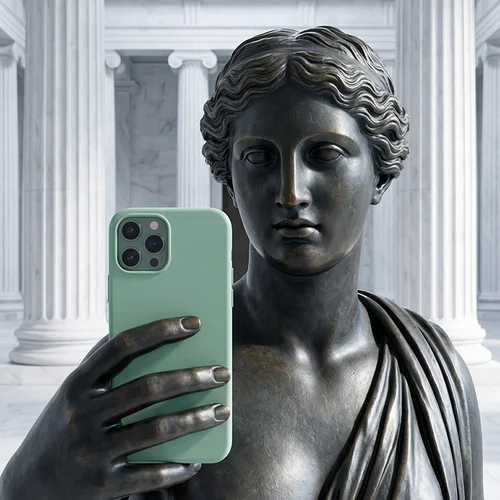
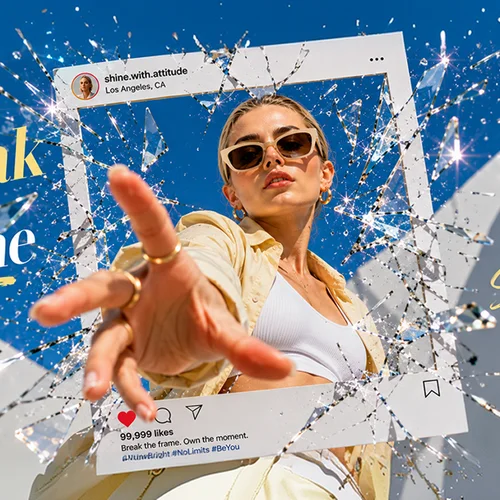
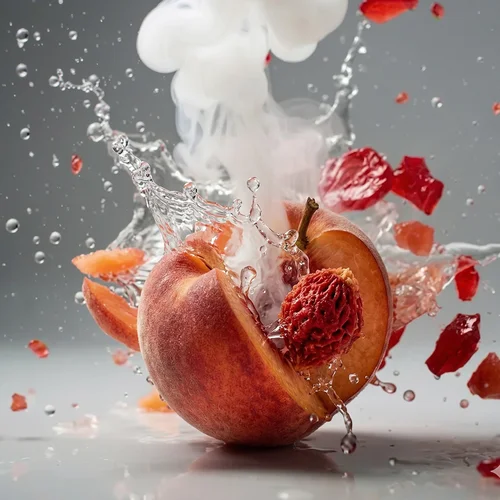


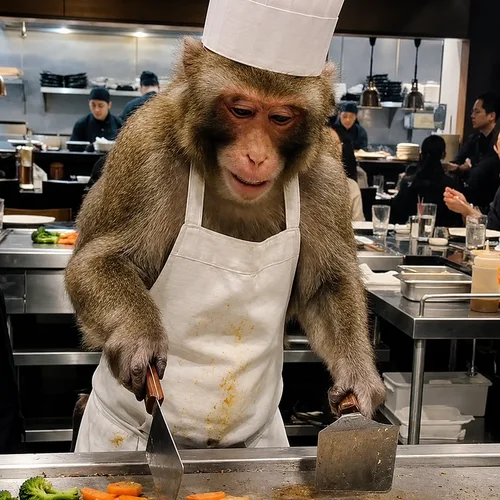

From Idea to Done.
Create with MyEdit AI Agent, leading AI models, templates, and ready-made workflows.
Edit, refine, and finish it all in MyEdit.

Vidu

Kling

Seedance

Wan

Gemini Omni

GPT Image

Nano Banana

Flux
One Creative Home for Every Kind of Content

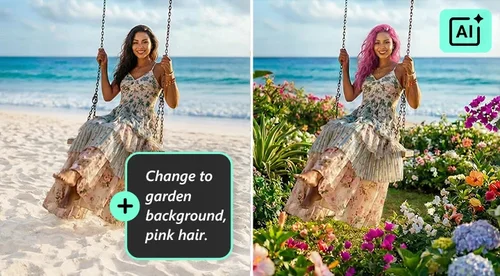
Generate and Edit Images
Generate original visuals, swap backgrounds, try a new look, or polish the details that make it feel finished. Go from a quick idea to something you’ll want to share.

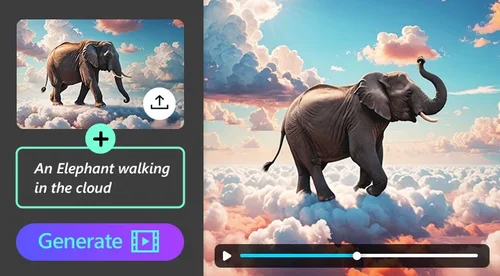
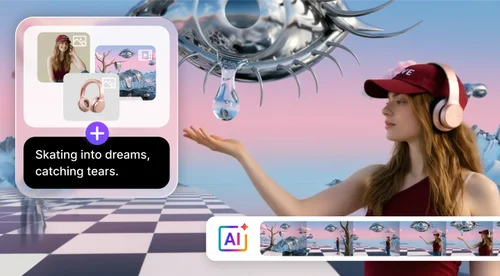
Make a Video without a Crew
Turn text or an image into motion, then build a complete story with narration, captions, and music, without piecing it together across different tools.

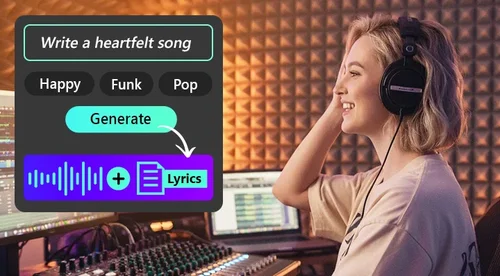
Give Every Story a Voice
Create a natural voiceover, clean up a recording, and add music or sound effects that give your content a more polished, professional finish.
Make Something New, Then Make It Yours
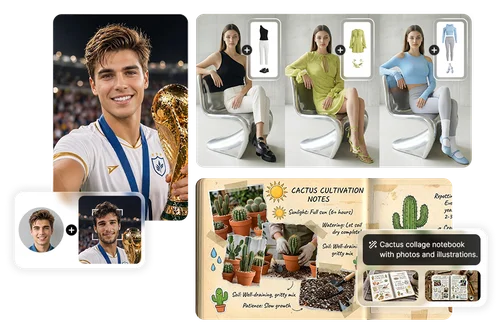
Turn an Idea Into an Image You'll Want to Share
Have a picture in your head? Type it and AI Image Generator creates it in seconds. Try a new look with AI Try On, or put yourself into any scene with Face Swap. Then use Photo Editor to add text, adjust the color, or crop it for social.
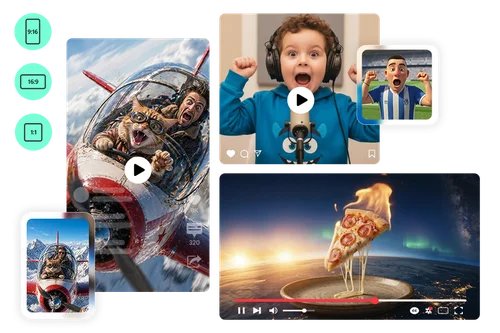
Make a Video Without a Camera or Crew
Want a video but don't have any footage? Type what you want and AI Video Generator creates it in vertical, widescreen, or square formats. Bring a photo to life with Image to Video, or make your own photo dance with Character Motion Swap. Then trim, caption, and add music in Video Editor.
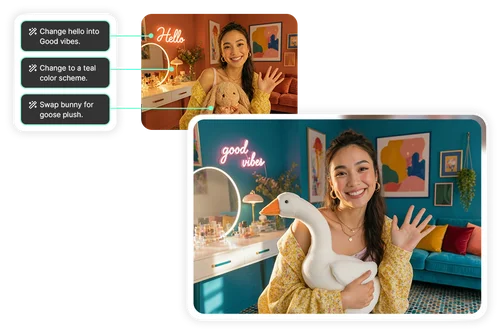
Change a Photo Just by Describing It
No need to learn a complicated editing tool. With Edit by Chat, just say what you want: repaint the wall, swap an object, or fix the text on a sign. When you want finer control, switch to Photo Editor for the full set of manual tools.
Do More With Your Audio
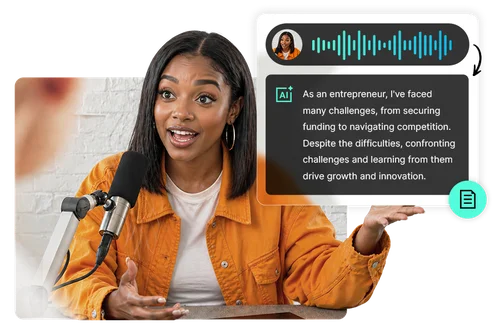
Transcribe Recordings and Voice Your Scripts in Minutes
Speech to Text turns any recording into an accurate transcript, and Text to Speech reads your script aloud in a natural voice. Two of the most tedious audio jobs, done in a few clicks, whether it's a lecture, an interview, or an audiobook you're making.
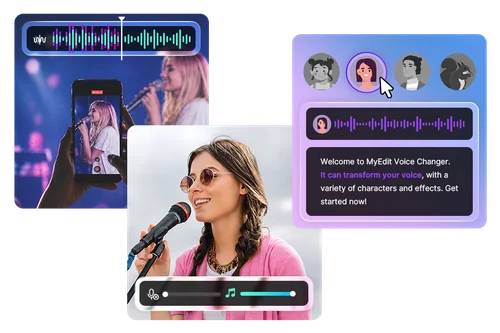
Clean Up Any Recording in Seconds
Recorded something noisy? Audio Denoise removes background noise, Speech Enhancement makes muddy recordings clearer, and the Voice Changer reshapes any voice. Your recordings come out clean, even the ones you made on your phone.
Explore AI Tools by Category
Work faster and give your photos, videos, and audio a polished finish with AI tools, or just tell MyEdit AI Agent what you want to make.
AI Video
AI Image
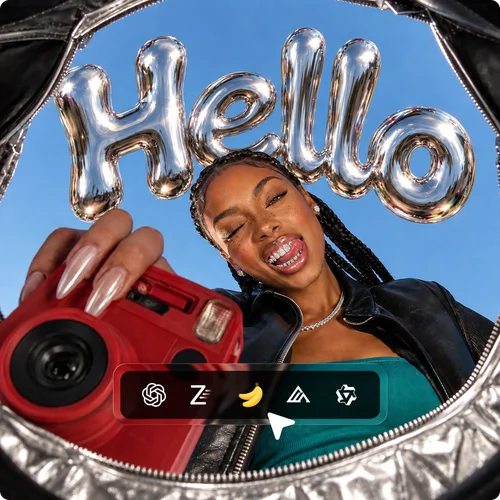
AI Image Generator
Type a prompt and generate an image in seconds with Nano Banana, GPT-Image-2, or more.
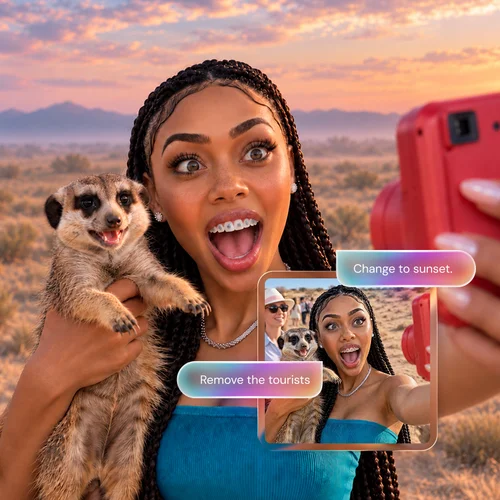
Photo Edit by Chat
Tell the AI what to edit. Watch your photo transform with a simple text command.
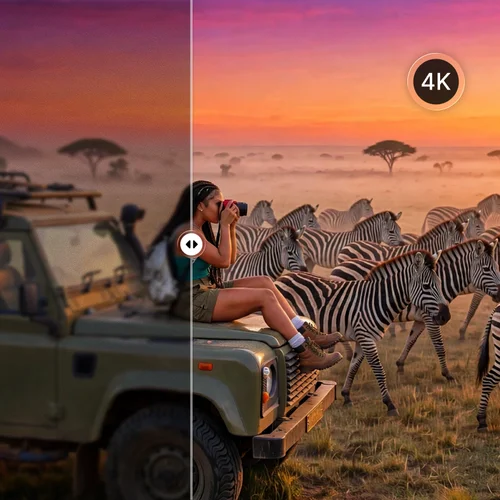
Image Enhancer
Instantly deblur, upscale to stunning 4K, and restore old or low-quality images in a single pass.
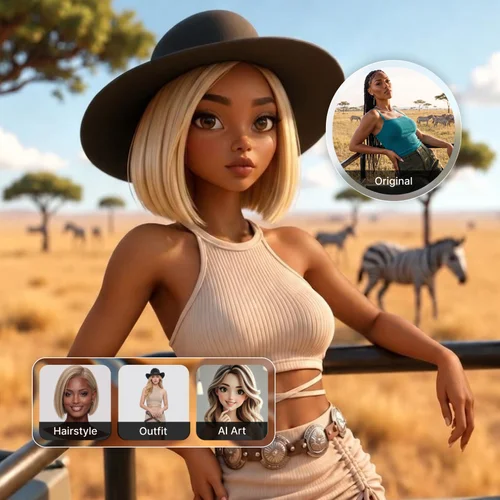
AI Style
Choose from thousands of style presets. Instantly change hairstyles, swap outfits, and create unique AI artwork.
AI Audio
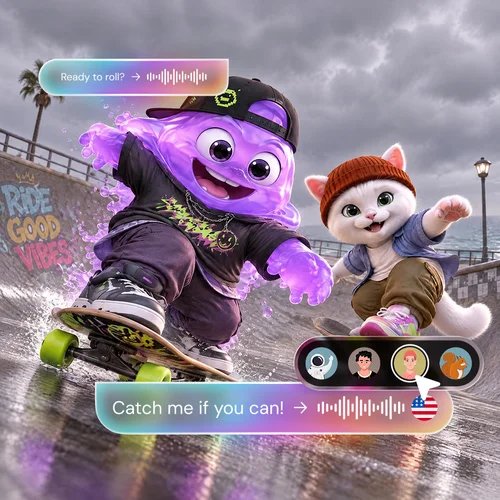
Text to Speech
Turn a script into a voiceover with a choice of voices and languages. Even use a Voice Changer for fun.
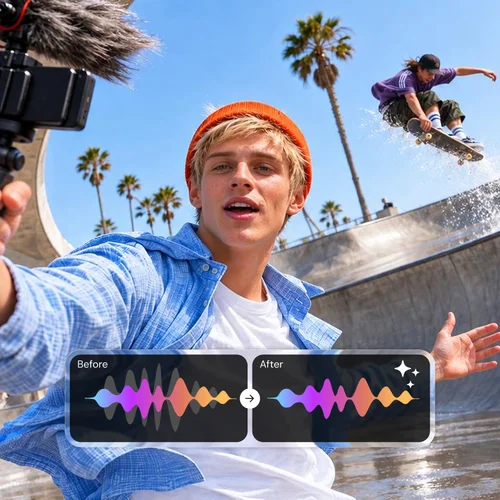
Audio Denoise
Rescue flawed audio. Instantly strip away hums, echoes, and background noise for clear sound and enhanced speech.
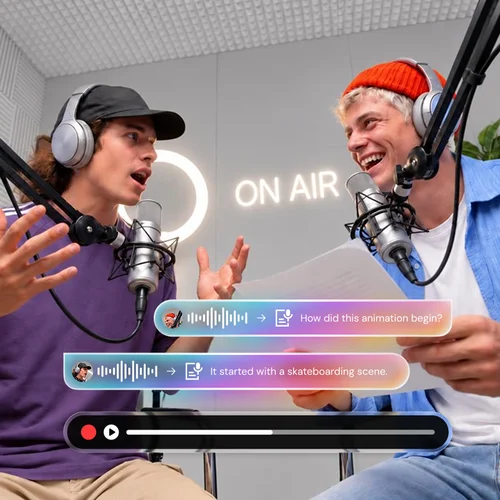
Podcast Studio & STT
Record, edit and convert audio into highly accurate, editable transcripts in one place.
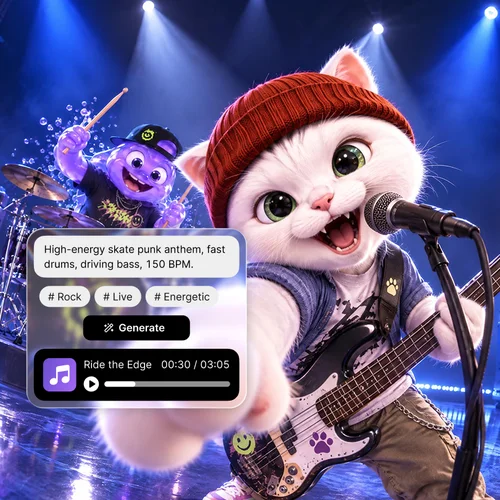
Lyrics to Song
Turn lyrics into music with an AI generator. Customize style, mood, and instruments for original tracks.
AI Video
AI Video Generator
Create eye-catching videos from text, or easily turn any image to video in minutes.
Video Edit by Chat
Type a prompt to update scenes, outfits, or styles instantly. No timeline needed.
AI Image
AI Image Generator
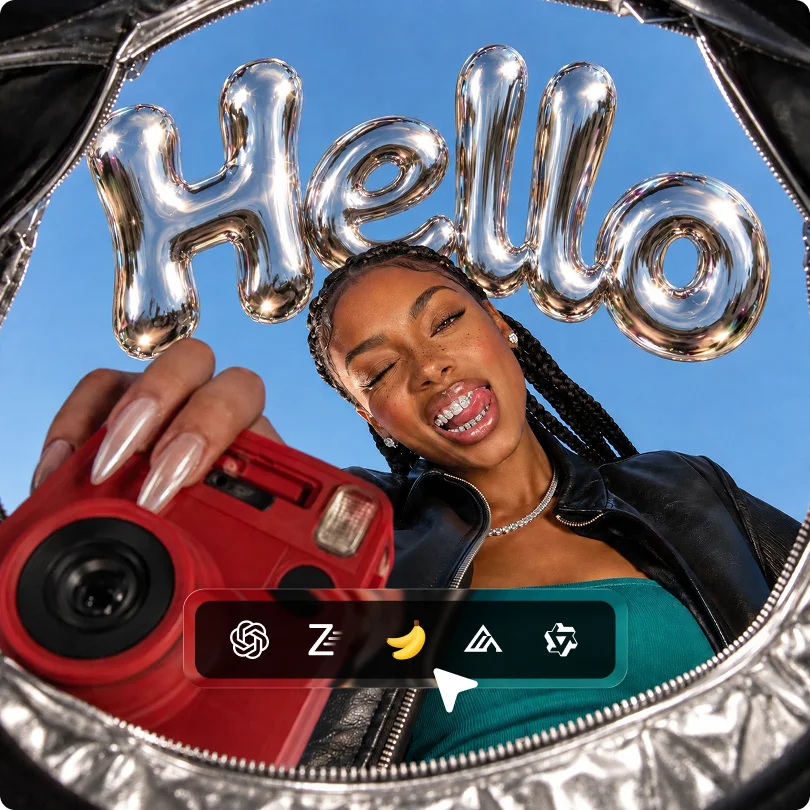
Type a prompt and generate an image in seconds with Nano Banana, GPT-Image-2, or more.
Photo Edit by Chat
Tell the AI what to edit. Watch your photo transform with a simple text command.
AI Audio
Text to Speech
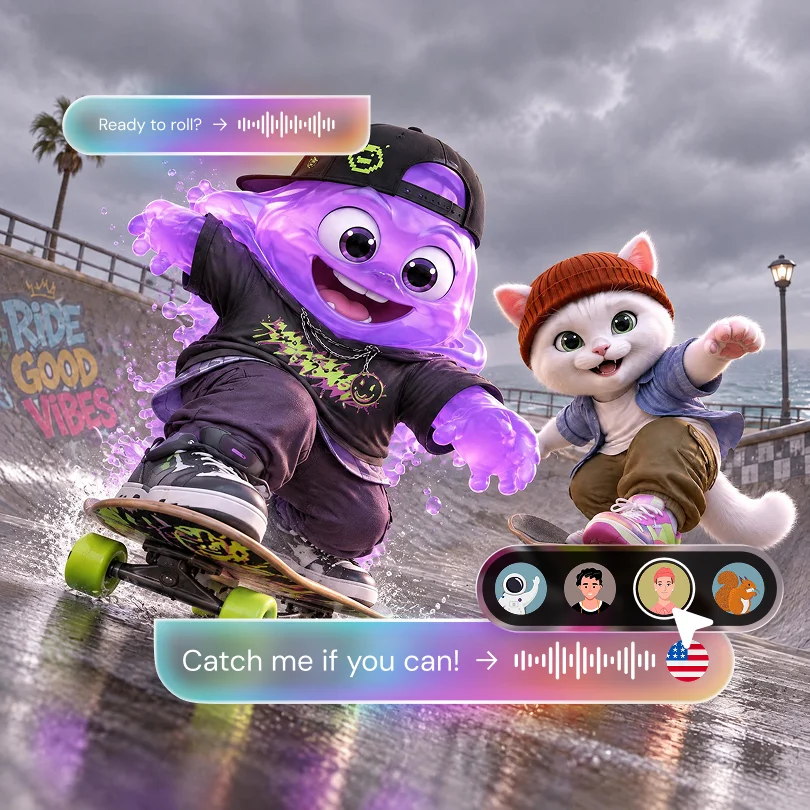
Turn a script into a voiceover with a choice of voices and languages. Even use a Voice Changer for fun.
Audio Denoise
Rescue flawed audio. Instantly strip away hums, echoes, and background noise for clear sound and enhanced speech.
Trusted by Creators Around the World

10 Million+ Creators Worldwide
From students and hobbyists to social media fans and seasoned pros, people all over the world use MyEdit to make, edit, and polish their photos, videos, and audio.

1,000+ Templates to Start From
Not sure where to begin? Pick from a growing library of templates for photos, videos, and audio, including trending styles, so you can start with something good instead of a blank screen.

30+ Years of Multimedia Expertise
MyEdit is built by CyberLink, the team behind PowerDirector and PhotoDirector, with over 30 years making photo, video, and audio software people rely on.
MyEdit FAQ
What is MyEdit?


MyEdit is an online platform for creating and editing images, videos, and audio in your browser. You can ask MyEdit AI Agent to handle a request for you, start from a template, or work directly in its AI tools and built-in photo, video, and audio editors.
What is MyEdit best used for?
MyEdit is designed to streamline creative workflows for content creators, marketers, and individuals. Key use cases include:
• Visual Branding: Generating social media assets via AI Image Generator, Face Swap or AI Photoshoot.
• Video Content: Producing viral-ready clips using Image to Video, Text to Video or Character Motion Swap.
• Audio Enhancement: Creating studio-quality sound with AI Voice Changer, Speech Enhance, and Audio Denoise.
• Professional Restoration: Quick-fixing images with Object Removal, Background Remover or Edit by Chat.
Is MyEdit free?
You can start free. Every account gets free daily credits for AI tools. What's included for free varies by tool, and some downloads need a paid plan. Paid plans add more credits and premium features. See the Pricing page for details.
How much does MyEdit cost?
MyEdit operates on a freemium model. Every user receives free credits each day to use our tools. While many tools are free to use, we offer premium subscription plans for power users seeking higher credit limits, faster processing, and advanced features. Please visit our Pricing page for details.
Do I need to download any software to use MyEdit?
No. MyEdit is a web-based AI editor, meaning it runs entirely within your desktop or mobile web browser. No installation or heavy software downloads are required.
Is MyEdit safe to use?
Yes. MyEdit is a trusted service provided by CyberLink Corp, a global leader in multimedia software. We prioritize user privacy and data security, operating under strict corporate privacy policies and secure data encryption protocols. Your uploaded files are processed securely and are not used for public model training.
What AI features does MyEdit have?
MyEdit offers an extensive library of AI-powered tools categorized by media type:
• MyEdit AI Agent: one chat that edits or creates photos, videos, and audio and picks the right tool for you.
• AI Image Tools: Image Generator, AI Try On, Photo Edit by Chat, Object Removal, Image Enhancer, and more.
• AI Video Tools: Text to Video, Image to Video, Character Motion Swap, Video Edit by Chat, and more.
• AI Audio Tools: Speech to Text, Text to Speech, Voice Changer, Speech Enhancer, and more.
Can I use the generated content for commercial purposes?
Yes, you are welcome to use content generated by MyEdit for commercial projects. Your generated assets are unique to your specific inputs. To ensure your legal protection, please verify that any source materials you upload (such as images, audio, or video) are either copyright-free or that you have obtained the necessary rights for their use.
How is MyEdit different from other AI image or video generators?
MyEdit lets you generate and edit in the same place: full image, video, and audio editing, a large template library, and guided workflows like AI Video Storytelling that handle multi-step jobs for you. MyEdit Agent can take a whole project from one chat, generating, fixing, and combining photos, clips, and audio without you switching tools. It is also built by CyberLink, with over 30 years of multimedia software behind it.